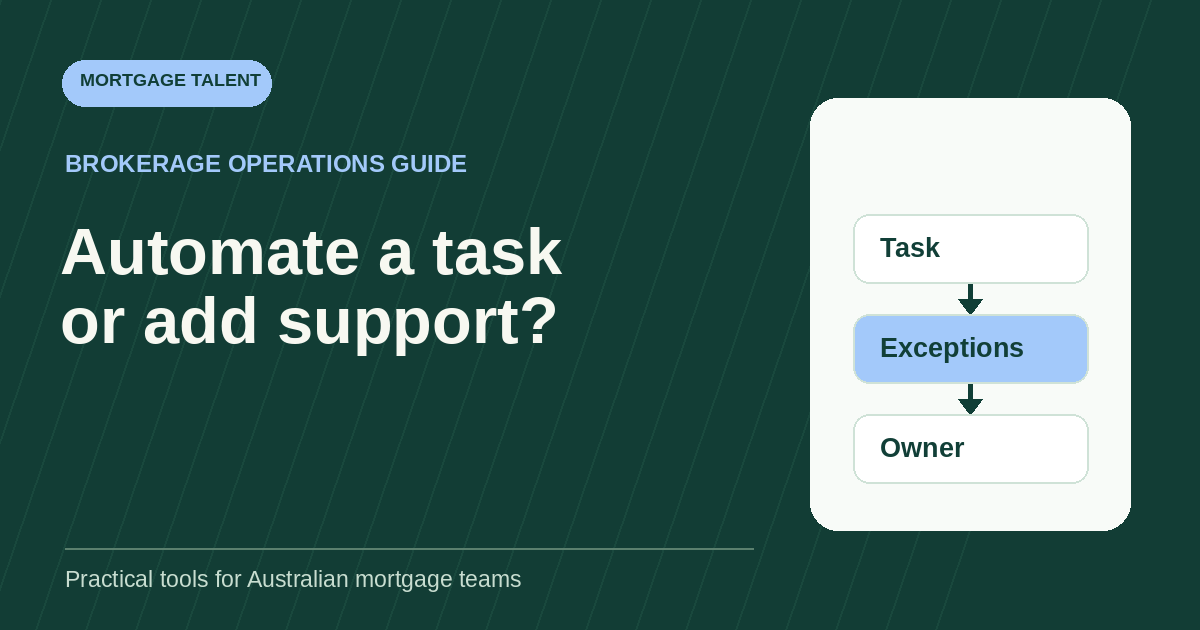
Automate mortgage administration when the next action follows a reliable rule and the result is easy to check. Hire support when the work needs sustained follow-through, clarification and coordination that your team cannot cover. Combine both when software can remove repetitive preparation but a person still needs to manage exceptions and keep the work moving.
The decision belongs at task level. One brokerage might automate task creation, give an assistant ownership of unanswered requests and retain broker review of consequential decisions. Another might get enough capacity from its existing CRM without adding a role. This guide helps Australian brokerage owners compare those options using the human work that remains after automation.
Define exactly what the automation would do
Replace “automate processing” with a narrow action: create a follow-up task when a verified stage changes, copy an approved value into a matching field, or prepare a message from an agreed template. Specify the required inputs and the event that should stop the action. A task can be created correctly while the underlying file still needs attention.
Existing systems may already support part of the work. Salestrekker’s automation documentation describes triggers, conditions and actions, including creating tasks from templates. BrokerEngine’s workflow guide describes stage-triggered workflows that can create tasks and send templated communications. These are examples of documented capabilities, not a recommendation or confirmation that a particular brokerage has the necessary configuration.
Separate rules-based actions from AI-generated content in your assessment. Creating a task from a known status and generating a summary of a lender email require different checks. Record what the proposed tool actually produces; do not treat a fluent draft as verified file information.
Before buying anything, ask your system owner to demonstrate the proposed action with fictional data, including a missing input and a repeated trigger. Obtain confirmation of the features available in your account, setup requirements and ongoing charges.
Use this task-by-task starting worksheet
The options below are starting hypotheses to test against your own process. “Automation candidate” means a bounded action worth investigating, not a claim that every CRM supports it. Keep permissions, communication approvals and broker decision boundaries unchanged until the responsible owner approves a different arrangement.
Scroll sideways to see all columns →
| Mortgage admin task | Automation candidate | Human work to retain | Starting option to test |
|---|---|---|---|
| Create routine follow-up tasks | Create an assigned task from a confirmed event and agreed due-date rule. | Check missing owners, changed dates and duplicate tasks. | Automate if the rule is stable and someone monitors failures. |
| Chase an outstanding document | Prepare an approved reminder when a recorded item remains outstanding. | Check recent replies, understand a clarification request and stop inappropriate reminders. | Combine reminders with a person owning the response queue. |
| Update factual CRM fields | Transfer a value where the source, destination and meaning match. | Resolve conflicting values, identify the current source and verify the result. | Automate clean matches; route ambiguous records to support. |
| Organise a review pack | Apply a consistent checklist or naming rule to approved inputs. | Check versions, missing items and the pack’s readiness for its named reviewer. | Combine repeatable organisation with human preparation checks. |
| Follow up a lender request | Create a reminder from the recorded request and response date. | Read the reply, connect it to the correct issue and pursue the next authorised action. | Hire or allocate support for coordination; automate prompts where useful. |
| Prepare a customer status update | Populate a draft from current, verified status fields. | Check the recipient, wording, changed circumstances and required approval. | Combine drafting with the approved review and sending process. |
| Handle an unclear or conflicting instruction | Flag or route the item if a reliable detection rule exists. | Investigate within the role’s scope and obtain the authorised decision. | Human-led; do not let a workflow guess the answer. |
| Review an AI-generated summary | Produce a draft only in an approved tool and use case. | Compare material facts with the source, correct omissions and record acceptance. | Test whether generation plus verification beats manual preparation. |
Notice the repeated distinction between prompting work and completing it. A reminder may reduce task setup while leaving the conversation untouched. If most of the delay occurs after a reply arrives, another reminder is unlikely to address your actual bottleneck.
Complete one decision record for each task
Copy these fields into your existing planning document. Use aggregate counts and fictional examples rather than borrower information. A short completed record is more useful than a whole-of-business score claiming that your brokerage is “ready for automation”.
- Task and accepted output: What must be true when the work is finished? Name the receiving person or queue.
- Inputs and rule: Which source supplies the facts? Can two trained people follow the same rule and reach the same next step?
- Volume and timing: How often does this task occur, and when does someone need the result? Separate routine demand from deadline-heavy periods.
- Exceptions: What fails to fit the rule? Record how often each exception appears and who can resolve it.
- Failure consequence: What happens if the action is wrong, late, repeated or silent? Identify which failures require a stop before external action.
- Remaining human work: Count preparation, verification, exception handling, monitoring and broker review separately.
- Change overhead: Record setup, testing, training and the person who will maintain the rule when a field or process changes.
- Decision: Automate, allocate or hire support, combine the two, or fix the process first. Name the evidence still missing and the next review date.
A clean, frequent task with a stable rule is a stronger automation candidate than an infrequent task requiring several systems and constant interpretation. A person is a stronger starting point when the repeatable need is ownership of conversations, unresolved questions and handoffs. Neither option fixes an instruction that nobody can explain.
If your main question is whether there is enough sustained work for a role, use the separate when-to-hire workload worksheet. Use this decision record to establish what that role would still need to do after proposed automation.
Compare the remaining work, not the headline saving
For each option, estimate the same volume of accepted work over the same period. Count the minutes consumed by all participants, then identify the minutes still required from the broker. A support hire can release broker time even when total team handling time remains similar.
- Current process: preparation, follow-through, correction and review time for the defined task.
- Automation: checking routine outputs, completing exceptions, repairing failed runs, monitoring and maintaining the setup, plus retained broker review.
- Support hire: the worker’s handling time, training, supervision, corrections and retained broker review.
- Combined model: the worker’s residual queue after automation, system upkeep, supervision and retained broker review.
Keep one-off effort visible. If you spread setup hours across a chosen trial period, show the period and the calculation. Also show ongoing effort without that allocation. Otherwise an expensive setup can disappear from the comparison, or a one-off training week can make a workable long-term arrangement look permanently inefficient.
Then compare actual written prices and terms: software charges, implementation, usage limits, support coverage and the employment or provider costs relevant to your arrangement. Avoid converting every released hour into extra revenue. An hour becomes useful capacity only when the right person can use it at the time the next task needs attention.
Illustrative example: automation leaves a real queue
This is a constructed planning example, not a client result, market benchmark or forecast. A brokerage prepares 100 administrative follow-up items each week. In the assumed manual baseline, preparation and exception handling total 400 minutes for this work mix. A separate 30 minutes of broker approval is required under its chosen process in every option.
The proposed automation is expected to prepare 75 routine items. A person checks each in one minute. The other 25 items need seven minutes each for exception handling, including any initial check. Monitoring and maintenance add 40 minutes per week.
Scroll sideways to see all columns →
| Residual weekly activity | Illustrative calculation | Human minutes |
|---|---|---|
| Routine output checks | 75 items × 1 minute | 75 |
| Exception handling, including its initial check | 25 items × 7 minutes | 175 |
| Monitoring and maintenance | Assumed weekly allowance | 40 |
| Total residual administration | 75 + 175 + 40 | 290 |
| Retained broker approval | Same allowance in each option | 30 |
| Total recurring human effort | 290 + 30 | 320 |
The current total is 430 minutes: 400 minutes of administration plus 30 minutes of approval. The automation case leaves 320 minutes, a difference of 110 minutes. If setup takes an assumed 300 minutes and the owner allocates that across six weeks, add 50 minutes per week during that comparison period. The initial-period total becomes 370 minutes.
Now stress-test the review assumption. If each routine check takes three minutes, those 75 checks take 225 minutes. Recurring effort becomes 470 minutes after exceptions, maintenance and broker approval, before setup. That exceeds the assumed manual baseline. The tool producing a draft quickly would not establish a time saving.
The three operating choices are now clearer. Keep the work with the existing team if it can cover the residual queue and required response times. Scope human support for the manual administration if automation fails the test. Combine both if automation passes and a support person is needed to own the remaining 290 administrative minutes alongside other defined duties. Add supervision time to either staffing option before deciding; this small queue alone does not establish a whole role.
Test exceptions and privacy before expanding
Use a bounded trial with the same acceptance standard as your current process. Start with fictional test records, then follow your brokerage’s approved arrangements for any operational trial. Include ordinary items and awkward ones: incomplete fields, duplicate events, a changed due date, a closed file, a reply received just before a reminder and an unavailable reviewer.
For each test, inspect both the generated action and the destination record. Did the right task appear once? Did the action stop when it should? Could the owner see the failure, identify affected items and recover without sending duplicate communications? Record who will switch back to the manual process if the test fails.
The OAIC’s guidance on commercially available AI products recommends assessing suitability, privacy risks and human oversight. It also recommends, as best practice, that organisations avoid entering personal information into publicly available generative AI tools. Its accuracy guidance calls for people to verify AI-generated personal information. Use these considerations when assessing a proposed AI workflow with your privacy or compliance adviser.
Choose success criteria before the trial: accepted outputs, total human minutes, broker review minutes, exception age and the failures that require an immediate pause. A clean test of task creation is insufficient evidence for unattended customer messaging. Expand only the action you actually tested, with the approvals it requires.
Turn the result into a purchase or hiring brief
If automation is the better fit, write a bounded implementation request: the task, approved inputs, trigger, stopping conditions, expected output, exception destination and maintenance owner. Ask for the complete setup and ongoing scope. Do not buy a broad “end-to-end” promise when the evidence supports only one step.
If support is the better fit, describe the residual work in everyday terms. For example: “Check the generated follow-up queue, resolve routine factual gaps within approved instructions, prepare unclear items for the broker and maintain the response record.” State whether system administration is included; familiarity with a CRM does not by itself establish the ability to configure automations.
For a combined model, use the workflow responsibility matrix to name the automation owner, support queue owner and authorised reviewer. Give the support person a clear route when the software behaves unexpectedly. Keep broker decisions and any uncertain authority questions with the brokerage’s approved decision-maker.
Bring your completed task records, trial findings, required coverage and remaining human workload to a conversation with Mortgage Talent about your support requirements. That gives a prospective hire or provider a concrete job to discuss and helps you avoid paying people to repeat work your systems already handle well.
Take the next step
Explore Mortgage Talent or speak with our team about your hiring needs.