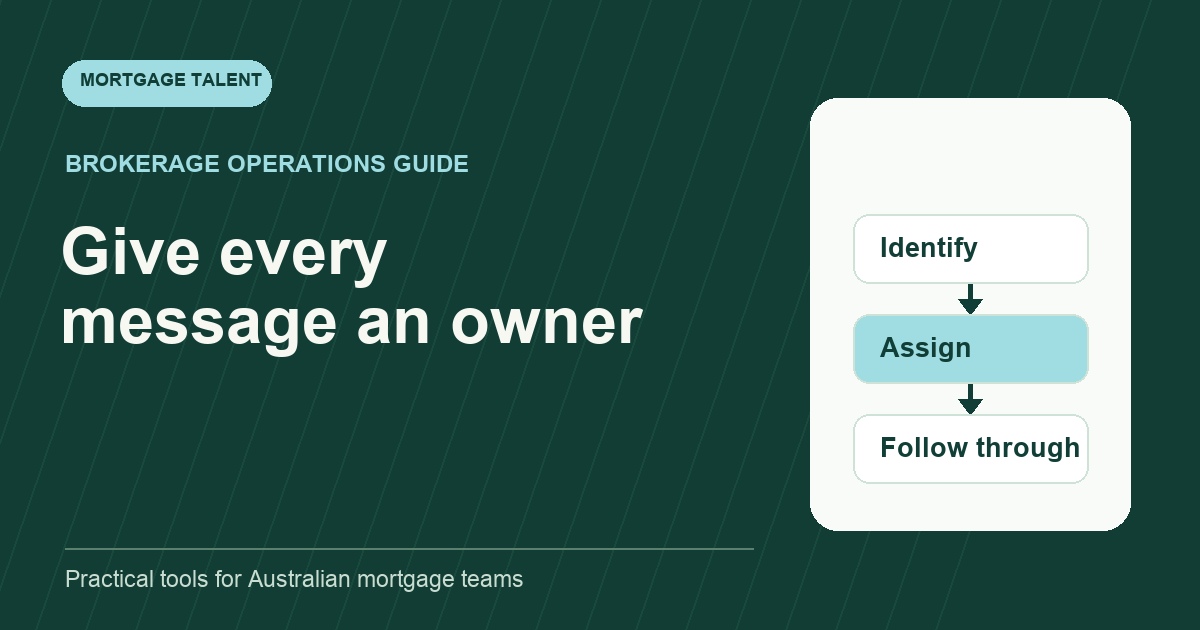
A mortgage brokerage inbox needs a visible owner and next action for every actionable message. Reading an email, colouring it or moving it into a folder does not establish that the work is owned. A useful triage workflow separates initial routing from the underlying file task and records where the next person can see progress.
The following operating pattern is designed for a broker and support team sharing incoming work. It is a suggested process to adapt to your approved systems and service commitments, not a promise that an inbox tool can make lending decisions or resolve every exception.
Define what the inbox is responsible for
Use the inbox to receive, identify and route work. Keep the authoritative task and file status in the system your brokerage has chosen for that purpose. If the team maintains both an inbox label and a CRM task, decide which is authoritative and how the other is updated. Two independent status records invite disagreement.
Name one triage owner for each working window, with a backup. Ownership means checking the queue and assigning actions; it does not mean personally completing every message. State what happens outside covered hours and where an unexpected deadline is raised.
Before handing over triage, agree the support role’s boundaries. Administrative routing, acknowledgement and preparation should follow the instructions set for the role. A question requiring a broker’s judgement goes to that broker with the relevant context, rather than being answered from a generic email template.
Use a small set of action states
Scroll sideways to see all columns →
| State | Meaning | Required next step |
|---|---|---|
| Unassigned | No action owner yet | Identify the file and route the work |
| Owned | A named person has accepted the task | Record next action and due checkpoint |
| Waiting externally | A request has been sent | Set a follow-up date and owner |
| Needs broker decision | Support cannot progress within its instructions | State the question and relevant deadline |
| Completed | The action is finished and recorded | Link the evidence or file update |
Keep categories for subject matter separate from action states. “Lender email” describes a message; it does not say whether someone must act. Likewise, “urgent” is not an owner. If the team uses a priority label, define the condition that justifies it and require a visible due time.
Triage each message with five questions
- Which file or business process does this belong to?
- What action is actually being requested?
- Who can perform or decide that action?
- When must it be checked again, and why?
- Where will completion be recorded?
If the file cannot be identified, place the message in a named clarification queue rather than guessing. If several files are discussed in one email, create separate tasks where needed and link each to the source message. One reply-all thread should not become the only record of multiple commitments.
Distinguish receipt from acceptance. An acknowledgement can confirm that a request reached the team without promising that it is complete, correct or ready to progress. Use wording approved for your brokerage and avoid confirming an outcome that still needs review.
Make priority rules specific enough to apply
Sort by the consequence and timing of the next action, not the sender’s use of capital letters. A time-sensitive file event, a customer concern and a routine status enquiry may each need a different route. Agree your escalation rules with the responsible manager, and point to the actual event or commitment behind the priority.
Do not hide old messages under fresh ones. Review the oldest unassigned item and the oldest overdue follow-up at each checkpoint. A short list of exceptions is more useful than declaring the whole inbox “under control” because the unread count is low.
Use the service-level schedule template to document response windows. Keep those agreed windows separate from this article’s suggested workflow; a generic blog example should not replace a client commitment.
Work through a fictional morning queue
At 9 am, the triage owner finds three messages: a document upload notification, a lender request that needs interpretation, and a customer asking whether a previous upload was received. The owner links the first notification to the existing document task, routes the second to the broker with the exact unresolved question, and checks the record before acknowledging the third.
The document task remains “received, awaiting review” until the designated check is completed. The lender message becomes a broker-decision task with an owner and checkpoint. The customer acknowledgement records what was actually verified. None of these messages is considered complete merely because it has been opened.
At the next checkpoint, the broker-decision task is still waiting. The support person follows the agreed escalation route with the original question and the elapsed time, rather than forwarding the same email without context. That makes the unresolved decision visible without creating another parallel queue.
Use email features without mistaking them for shared ownership
Microsoft’s Outlook guidance describes categories and follow-up flags, and notes that categories in that documented workflow are seen by the individual user. Confirm the behaviour of your own shared-mailbox setup before treating a personal label as a team status.
Test with two users: assign a task, change its state, and check what the other person can actually see. If the owner or due date is not visible to the team, keep the shared task in your approved work system and use the email feature only as a personal aid. This guide does not require Outlook or imply an integration with Mortgage Talent.
Close the day with a compact handover
Report unassigned messages, overdue actions, waiting broker decisions and any item due before the next covered window. Each item should have a file reference, owner, next action and checkpoint. Use the daily handover template rather than copying the entire inbox into a message.
Review the workflow after a week. Count missed ownership, duplicate replies and reopened tasks, then correct the rule that caused each problem. If triage is a recurring capacity gap, discuss a mortgage support brief with the required coverage and boundaries already written down.
Take the next step
Explore Mortgage Talent or speak with our team about your hiring needs.