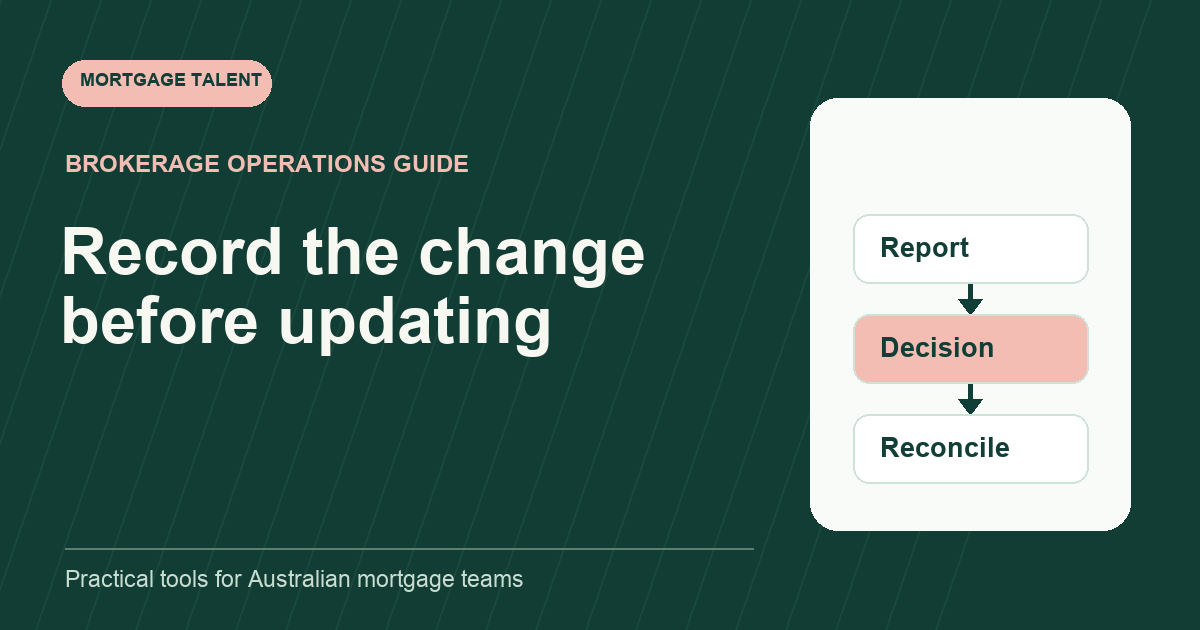
When a customer reports a change during a mortgage application, record what they said, when they reported it and which prepared work may be affected. Send the question to the responsible broker before changing assessment-related fields or communicating an outcome. Track the resulting instructions through to the actual records updated.
ANZ's full-approval checklist says it needs to confirm whether the customer's financial situation has changed; the page excludes ANZ Plus products. The workflow below organises a reported change for review. It does not decide the effect on a loan.
Capture the report without interpreting it
Record the customer's message in the approved file and create a concise change reference. Distinguish the date of the reported event from the date the team received it. If either date is unclear, mark it unclear rather than guessing from the newest document.
Attribute the information accurately. “Customer reports a new employment arrangement” records the source of the statement. It is different from “employment verified”. Keep any supplied document linked to the report without assuming it resolves every question about the change.
Ask only the clarifications permitted in your intake instructions. If the customer asks whether the change will affect approval, route that question to the broker. The assistant can acknowledge that the update has been received and assigned for review without predicting a lending result.
Identify the preparation work that may need attention
Look for tasks connected to the reported information: a summary awaiting review, an application draft, a document request or a status message being prepared. Record these as possible dependencies. The broker decides which items should change and what new evidence or action is needed.
Scroll sideways to see all columns →
| Field | Purpose |
|---|---|
| Change reference | Link the report, message and subsequent tasks |
| Reported event and dates | Preserve the customer's account and timing |
| Potentially affected work | Identify drafts, requests or communications for review |
| Broker question | State the decision needed before preparation continues |
| Instruction and owner | Record who decided the next action |
| Update evidence | Show which record or task was actually reconciled |
| Open exception | Keep a missing decision or conflicting source visible |
Keep the original report available. A later clarification should add context rather than overwrite the fact that an earlier message reached the team. Use ordinary access controls and controlled references instead of repeating the customer's full circumstances in a shared queue.
Stop the affected action through an explicit instruction
If an assistant is preparing a message or pack that may use outdated information, raise the issue before sending it. Ask the authorised owner whether the task should continue, be held or be revised. Record that decision against the specific task.
An internal “awaiting review” label does not change a lender's application status. If an external update is needed, the broker should identify the action and the authorised person who performs it. Support staff can record the request and its observed outcome under that direction.
Do not freeze unrelated work automatically. A reported change might affect one prepared field while another administrative request can continue. The reviewer should define that boundary so the support worker is not left choosing which activities remain appropriate.
Follow a fictional late-update sequence
Illustrative example: a mock file has a prepared summary awaiting broker review. The fictional customer reports that the employment information used in the summary has changed and sends a new document. The support worker records both arrivals and links them to a change item.
The broker instructs the team to hold that summary, request a specific clarification and prepare a replacement after the answer. The worker records the instruction and moves the follow-up into the normal queue. The original summary remains identifiable as the earlier prepared version.
When the reply arrives, the worker does not close the change merely because a document was uploaded. They complete the assigned preparation, return the replacement for review and record the broker's next instruction. The example demonstrates ownership and record reconciliation, not an approval outcome.
Reconcile the update across the affected records
Use a small checklist of the records the broker instructed the team to update. For each one, capture the responsible person, completed action and source reference. If two systems are involved, establish which record owns the fact and how the other should be reconciled.
The document version-control method helps identify which received material and review pack now apply. Keep earlier items distinguishable under your approved records process. Do not silently replace an attachment while retaining approval of a different pack.
For an existing pre-approval, link the work to the expiry and renewal tracker where relevant. A new report and a changed expiry date are separate events; neither should be invented from the other.
Close the change when the assigned work is evidenced
A proposed closure check asks whether the broker reviewed the report, instructions are recorded, assigned updates are reconciled and remaining external actions have an owner. If any of these points is unresolved, state which one rather than using an optimistic overall completion label.
Test the workflow with a fictional customer message and two conflicting mock records. Ask the trainee to locate the affected work, write a neutral question and explain which decisions they would return to the broker.
Review processor support and discuss a change-tracking role brief if this coordination needs a consistent owner. Describe the systems, preparation tasks and review windows involved.
Take the next step
Explore Mortgage Talent or speak with our team about your hiring needs.