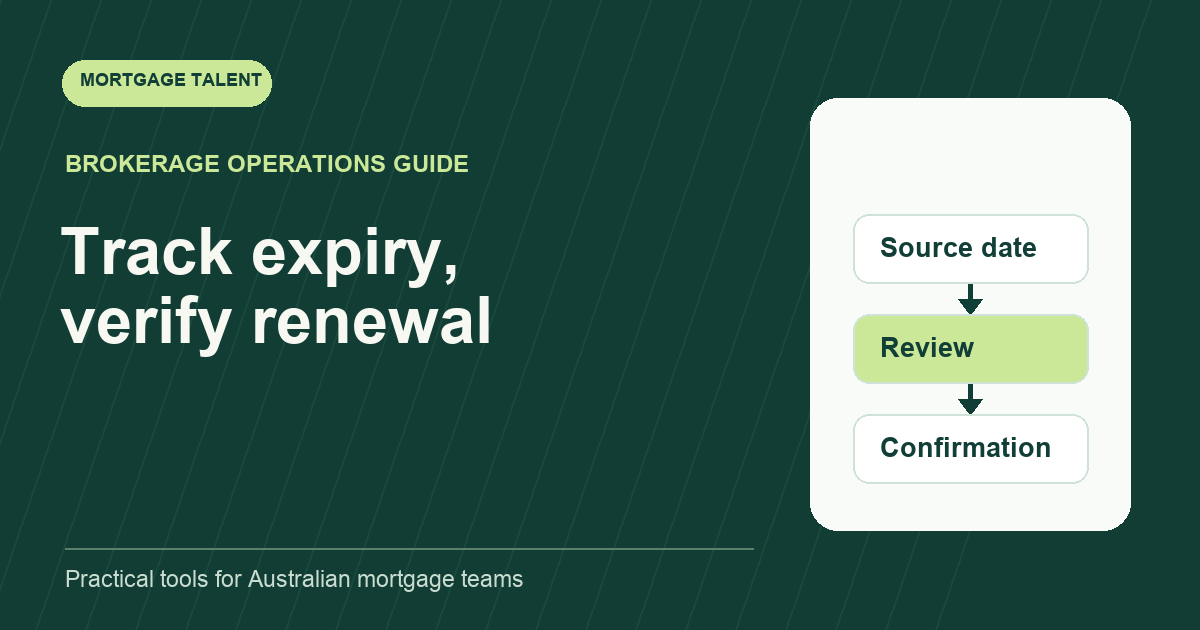
Track pre-approval expiry from the actual lender communication, assign a broker review before the recorded expiry and keep any renewal request open until its outcome is confirmed. Do not use one standard validity period for every lender. A reminder or an extension request does not itself change the approval's expiry date.
This guide gives a support team an administrative queue. The broker handles the customer's circumstances and the next application decision. Use the tracker to make those decisions timely and visible, rather than offering advice about purchasing a property.
Record the lender-specific source of the date
CommBank's Home Seeker broker page describes conditional pre-approval valid for up to 90 days and updated verification for reassessment at expiry. This is a product-specific example, not a universal rule for Australian pre-approvals.
Qantas Money's pre-approval validity guidance describes an initial 60-day period and a possible further 60-day renewal, with conditions. These different published examples show why the support record must identify the lender and current approval evidence.
For a live file, link the approval letter or relevant lender record in the authorised system. Record the issue date, stated expiry, conditions and checked time. If the evidence is unclear about the date or next process, ask the broker to resolve it before creating a customer-facing statement.
Plan backwards from expiry using real dependencies
Choose a broker review point that allows time for the expected customer response and lender process. Do not treat a fixed number of reminder days as a guarantee that renewal can be completed. Ask the broker what inputs may need refreshing and who will request them under the approved workflow.
Set separate dates for the internal review, any approved customer request and the next lender check. The support worker should know what happens if the broker has not responded by the chosen review point. Use the broker review queue to assign that decision rather than leaving it as an email reminder.
If the customer reports changed circumstances or a new property timetable, route that information to the broker promptly. The expiry queue should not continue its previous plan without a review of the new context. Keep the reported change and its source visible without making a support-worker assessment of its significance.
Use a renewal record with clear states
Scroll sideways to see all columns →
| Field | Purpose |
|---|---|
| Lender and approval reference | Identify the source being tracked |
| Issue and expiry evidence | Record what the current approval actually says |
| Broker review point | Assign the decision before the next action |
| Approved request and owner | Specify inputs without guessing requirements |
| Renewal request state | Separate planned, prepared and sent actions |
| Outcome evidence | Record confirmed result and any new date |
| Next check | Keep unanswered requests and changed circumstances owned |
Suggested work states are “review due”, “awaiting approved inputs”, “prepared for action”, “request sent; outcome pending” and “outcome recorded”. Keep the lender's observed status separately. Do not mark an approval renewed just because a task in your CRM is complete.
Reconcile a fictional renewal without overwriting history
Illustrative example: a mock approval records expiry on 20 November. The team chooses an internal broker review on 6 November based on its planning assumptions. The broker requests updated information, which the support worker organises. An authorised renewal request is sent on 12 November.
Until a current lender response establishes the outcome, 20 November remains the recorded expiry. The request date belongs in a separate field. If the lender later confirms a new date, link that communication, record the new date and preserve the previous expiry as history. These dates are fictional and do not describe a lender service standard.
If the deadline passes without confirmation, escalate the unresolved state to the broker. Do not hide it by pushing the reminder forward or assume that a pending request keeps an approval active. The support queue should make uncertainty visible so the responsible person can act.
Send factual reminders through the approved communication process
Hi [name], our current file records [lender's verified pre-approval wording] with an expiry date of [date]. [Broker] will review the next steps with you. Please let the broker know if your circumstances or property timing have changed. Our next check is [date and time].
Use the template only after the date and wording have been checked and the brokerage's required review completed. It is an illustrative writing pattern. It does not assure renewal, confirm borrowing capacity or advise the customer to enter a contract.
The application update templates help distinguish verified facts from pending decisions. Stop or change automated reminders when the file moves to a different approved workflow so the customer does not receive contradictory messages.
Review the queue by action, not merely by calendar date
- Which broker reviews are due or unanswered?
- Which approved inputs remain outstanding?
- Which sent requests lack a confirmed outcome?
- Which files have changed circumstances or timing?
- Which recorded expiries have passed without resolution?
Keep a named owner for every unanswered item and record when the evidence was checked. A weekly list of expiry dates is insufficient if it does not identify the work needed before each date. Review reminder timing against actual delays rather than promising a universal turnaround.
If your brokerage needs consistent follow-through on this queue, explore the assistant role and share an expiry-tracking support brief. Describe the factual tracking, broker review and communication duties you need owned.
Take the next step
Explore Mortgage Talent or speak with our team about your hiring needs.