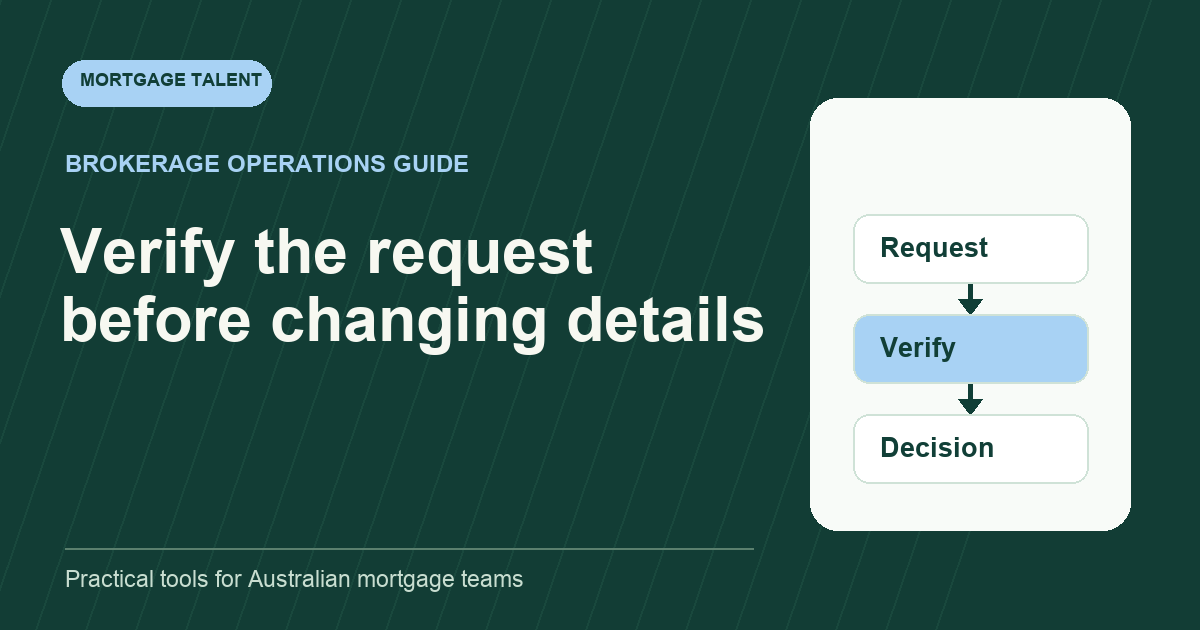
Treat an unexpected bank-detail change as a request that needs an authorised verification decision before affected payment information is changed or passed onward. Mortgage support staff can preserve the original message, identify the responsible owner and prepare a controlled handoff. Receiving a plausible email is not evidence that its instructions should be acted on.
Cyber.gov.au's business email compromise guidance identifies unexpected bank-detail changes and urgent payment requests as warning signs. It recommends checking suspicious messages separately using independently verified contact details. The workflow below applies that principle to support intake; it does not authorise an assistant to release funds.
Capture the request without spreading the new details
Keep the original message in the approved restricted location and create a request reference. Record its received time, channel, claimed sender, requested change and affected work. A shared team queue can carry the reference and owner without repeating complete bank details.
If the request arrives while an assistant is preparing a message or record using payment information, flag that dependency to the authorised owner. Ask for a specific instruction about holding the affected action. Do not silently update a draft and keep its earlier approval label.
Do not forward a suspicious attachment widely to ask whether colleagues think it looks genuine. Use the approved security-reporting and review route. Keep investigation work with the designated people rather than asking a junior worker to test links or attachments.
Separate verification from permission to make the change
Write down who verifies the request and who can approve or perform a change. These may be different roles. A support worker's assigned intake duty should not imply authority to edit payment records or tell another party where to transfer money.
Scroll sideways to see all columns →
| Record | Purpose |
|---|---|
| Original request reference | Preserve the source and received time |
| Affected action | Identify the draft, record or communication that needs attention |
| Verification owner | Name the person using the approved independent contact route |
| Contact source | Record how the route was checked separately from the request |
| Verification result | Capture the actual outcome and unresolved questions |
| Authorised decision | Identify who approved, rejected or held the change |
| Performed action | Show what the authorised person actually changed |
Keep these events distinct. A callback attempted is not a completed verification. A completed verification is not automatically permission for the assistant to change a record. The receiving owner should state the next authorised action.
Use an independent contact route
Have the verification owner use contact details checked separately from the message requesting the change, under the organisation's approved process. Do not treat a new phone number or link supplied in that message as its own verification route.
Record where the independently checked contact route came from and the outcome of the contact. Avoid storing unnecessary personal information in the tracker; the restricted source record can hold the detail. If the route cannot be established, return that unresolved point to the owner.
A familiar display name, signature or accurate file detail should not bypass your agreed verification steps. The support worker's job is to identify the request and dependency, not to infer authenticity from how convincing the message appears.
Practise with a fictional urgent email
Illustrative exercise: a mock message claims to come from a known transaction contact, supplies replacement bank details and asks for an immediate update. It also gives a new phone number. The trainee is responsible only for intake and draft preparation.
The trainee preserves the mock message in the approved exercise location, flags the affected draft and routes the request to the named verification owner. They do not call the supplied new number as proof, update the draft or send the changed details onward.
A second mock event shows the owner confirming that the request remains unresolved. The trainee keeps the affected action held under that instruction and records the next checkpoint. This tests process recognition and role boundaries, not the worker's ability to investigate a cyber incident independently.
Keep the handoff visible across shifts
Use the inbox triage method to connect the incoming message with the controlled request. Name the receiving owner and record acknowledgement. Moving a message into a folder should not remove the unresolved request from the work queue.
The workflow ownership matrix can distinguish intake, verification, approval and performed change. Define the backup route for an unavailable owner before a time-sensitive request arrives. Urgency should change escalation priority, not silently expand the assistant's authority.
If an authorised owner identifies a suspected incident, follow the organisation's incident-response instructions. Preserve the relevant records and let the designated security and financial contacts direct the response. This administrative guide does not substitute for those instructions.
If the owner finds that a record was already changed, identify the affected version and route the reconciliation question immediately. The authorised person should decide what correction or further response is needed. Record the actual corrective action separately from the original request so a replacement worker can understand both events without guessing.
Close only the action that is evidenced
Record whether the request was rejected, remains held or resulted in an authorised change. Identify the actual performed action and any separate communication still outstanding. Do not mark the whole matter resolved because verification was assigned to someone else.
Review assistant support and discuss sensitive-request intake. Describe the limited preparation duties, approved escalation route and responsible reviewers when scoping the role.
Take the next step
Explore Mortgage Talent or speak with our team about your hiring needs.