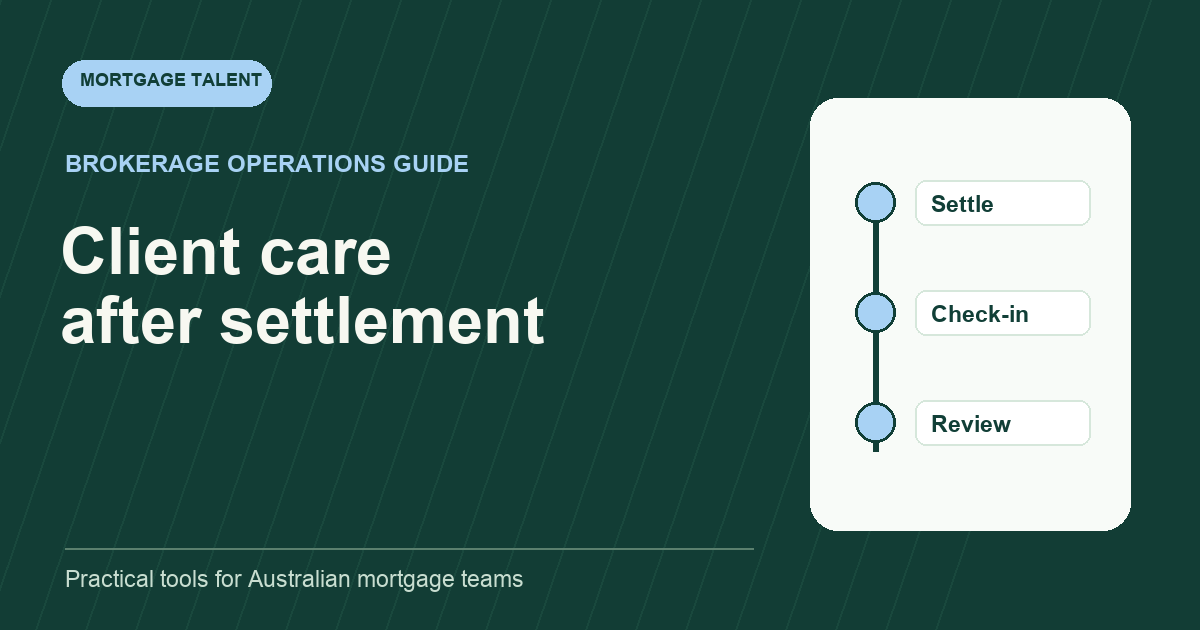
A mortgage broker post-settlement client care workflow should begin when settlement is confirmed, not when someone remembers to send a message. A reliable sequence confirms the outcome, closes the operational record, schedules an early check-in, creates a future review prompt and routes any customer issue to an authorised owner. Every step needs a trigger, owner, due point, accepted evidence and exception path.
The purpose is not to automate a generic stream of marketing. It is to make sure the customer receives a clear handover and the brokerage can see what has happened, what is next and who owns it.
Define the trigger and accountable owner
Choose the event that starts the workflow. It might be a confirmed settlement status in the approved system or another documented event used by the brokerage. Avoid starting from an assumed date when the underlying outcome is still uncertain.
Name one role accountable for the complete sequence. Different people may prepare a message, update a record or conduct a review, but one owner should be able to answer whether the post-settlement workflow is complete. Use the mortgage broker workflow RACI matrix to separate preparation, approval, contact and escalation.
Run a settlement confirmation check
Before contacting the customer, verify the approved evidence the brokerage expects. The checklist should be short enough to use every time and specific enough to prevent a premature confirmation.
- Settlement outcome is confirmed in the authoritative record.
- Important dates and responsible parties are recorded.
- Outstanding operational items are visible and assigned.
- Customer contact details and communication preference are current.
- The message template matches the actual outcome and has the required approval.
- The next owner and early check-in date are assigned.
If evidence is missing or inconsistent, stop the automated path and send the item to the named exception owner. “Probably settled” is not a safe workflow status.
Send a clear customer handover
The first message should tell the customer what has happened, what they should expect next, how to raise a question and who their contact is. Keep operational detail relevant to the customer and avoid internal workflow language.
Scroll sideways to see all columns →
| Message element | Purpose | Owner check |
|---|---|---|
| Outcome | Confirm the recorded event in plain language. | Matches approved evidence. |
| Immediate next step | Explain any action or expected communication. | Realistic and specifically assigned. |
| Support contact | Give a channel for questions or concerns. | Monitored by the named team. |
| Check-in | Set expectation for the next contact. | Date or operating window is recorded. |
| Preference | Let the customer update how they wish to be contacted. | Changes return to the source record. |
Do not let a remote support person improvise advice or commitments outside the approved template and authority boundary. Their task can be to prepare and record the contact while the appropriate person approves or conducts it.
Close the operational record deliberately
Settlement does not automatically mean every workflow item is complete. Reconcile open tasks, ownership, documents, status and notes. Close duplicates, retain records according to the brokerage's own procedure and leave a concise summary for future service.
A useful closure note identifies the final outcome, completion date, unresolved item, next customer contact and location of the authoritative evidence. Avoid copying sensitive information into broad notes when a controlled linked record is available.
Schedule the early client check-in
Create a check-in at the cadence chosen by the brokerage, for example within a chosen post-settlement operating window of 7 to 14 days. Treat that timing as a service design choice, not a universal rule. The check-in should confirm that expected communications or setup have occurred, invite practical questions and identify any issue that needs escalation.
- Review the closure summary before contact.
- Use the approved check-in prompt and communication channel.
- Record whether contact was completed, attempted or rescheduled.
- Route a problem to the correct owner with context and a response time.
- Update the next action rather than leaving the record at “contacted”.
If a customer cannot be reached, follow the brokerage's contact-attempt procedure and preference settings. Do not continue an unlimited sequence by default.
Create a useful future review prompt
A future review prompt should explain why a review may be useful, not simply create a calendar event. Record the agreed review window, relevant consent or preference, owner and trigger for bringing the work forward. A change reported by the customer may need attention before the planned date.
Keep the review message service-led and specific. The appropriate review cadence depends on the brokerage's model, customer circumstances and approved process. This template deliberately does not prescribe a mandatory annual review.
Route life events and exceptions safely
Post-settlement contact may uncover hardship, dissatisfaction, a product question, changed circumstances, a privacy concern or another issue that routine support should not resolve. Build an exception map into the workflow.
Scroll sideways to see all columns →
| Signal | Immediate support action | Route to |
|---|---|---|
| Service problem | Record the customer's account accurately and acknowledge ownership. | Service or complaints owner under the brokerage's process. |
| Changed circumstances | Do not offer an improvised recommendation. | Authorised broker or nominated reviewer. |
| Missing expected communication | Check the approved record and avoid promising an unverified outcome. | Operational owner. |
| Privacy or access concern | Stop unnecessary handling and preserve the relevant record. | Designated privacy or security contact. |
| Contact preference change | Confirm and record the preference. | Customer record owner. |
The support team should know what it can resolve, what it can prepare and what must be escalated. That boundary belongs in the mortgage broker outsourcing SOP.
Use handovers for unresolved client care
Any item that crosses a shift or timezone needs an explicit next action, owner and due point. Add it to the daily remote mortgage team handover with a link to the controlled record. Do not place customer detail in a broad handover channel.
When the usual owner is away, a backup should be able to see which contacts are due, which issues are open and which messages await approval. This is both a service control and a practical continuity test.
Measure completion and customer value
Measure whether the workflow is complete and useful, not just whether messages were sent. Start with a small set of definitions:
- settlements with confirmation evidence recorded;
- first customer handover completed within the chosen service window;
- early check-ins completed, attempted or rescheduled with a next action;
- open exceptions with owner and response point;
- future reviews with a reason, owner and customer preference;
- contacts reopened because the record or handover was incomplete.
Review exceptions and customer feedback in the weekly operations meeting. If a template produces confusion, improve the template rather than asking the team to explain it differently each time.
Follow a fictional settled-file sequence
This fictional example uses DEMO-022 rather than a customer identity. A recorded settlement outcome starts the workflow. The brokerage has chosen an early check-in ten days after confirmation for this scenario; that interval is an illustrative service choice.
Scroll sideways to see all columns →
| Point | Owner and action | Evidence left for the next person |
|---|---|---|
| Confirmation | Operations owner verifies the recorded outcome and assigns the approved contact role. | Source link, confirmation time and contact task. |
| Customer handover | Approved contact role uses the permitted message and records delivery or an unsuccessful attempt. | Actual communication outcome; delivery is not assumed from a queued message. |
| Early check-in | Client-care owner contacts through the agreed channel on the chosen date. | Outcome, any concern and the next owner or action. |
| Exception | Customer reports that expected communication has not arrived; support records the concern and routes it to the operational owner. | Accurate issue description, assigned response point and controlled record link. |
The check-in is not marked complete merely because an email was sent. If the concern remains unresolved, keep the exception visible and owned across shifts. If the customer changes their contact preference, update the authoritative record before preparing the next contact. This example demonstrates task ownership and evidence; it does not prescribe a lender, credit or legal process.
Copy this post-settlement workflow
Scroll sideways to see all columns →
| Stage | Trigger | Action | Owner | Accepted evidence | Exception |
|---|---|---|---|---|---|
| Confirm | Recorded settlement outcome | Verify checklist and assign next owner | Operations role | Approved status and source record | Missing or conflicting evidence |
| Handover | Confirmation accepted | Send approved customer message | Named contact role | Communication recorded | Delivery or content issue |
| Close | Immediate tasks reconciled | Complete closure summary | Record owner | No unowned task | Open item remains |
| Check in | Chosen early service window | Contact, record outcome and next action | Client care owner | Outcome and follow-up recorded | Concern or no response |
| Review | Agreed future window or event | Prepare appropriate review contact | Authorised owner | Reason, preference and action | Earlier change or opt-out |
Test the workflow with a fictional settled file before launch. Confirm that every branch has an owner, customer details remain in approved systems, support staff cannot overstep the authority boundary and a backup can continue the next action without reconstructing the history.
Take the next step
Explore Mortgage Talent or speak with our team about your hiring needs.