Train mortgage support staff around a complete task: find the approved instruction, enter or organise the facts, check the result and hand it to the next reviewer. Teach the CRM and ApplyOnline screens within that sequence. Knowing where a button is does not prove that someone can complete your brokerage's workflow reliably.
This plan focuses on systems learning after hiring. It complements the first-month onboarding plan by giving the trainer specific exercises and observable exit checks. Use only tasks and access your brokerage has approved for the role.
Map one task across both systems before teaching it
Pick a recurring task with a clear beginning and end, such as preparing factual application details from a broker-approved summary. Draw the path from instruction to source document, CRM record, preparation screen and reviewer output. Name the system that owns each fact or status. A worker should not have to guess which of two conflicting records is current.
Write down the entry condition, expected output and stop point. “Learn ApplyOnline” is an activity; “prepare the fictional applicant fields and explain two inconsistencies to the reviewer” is an assessable outcome. Separate data entry from decisions about the customer's loan or evidence.
Confirm the actual interface, access rights and lender workflow the worker will use. Do not promise that a training environment exists until your administrator has checked it. If there is no suitable sandbox, use approved screenshots and fictional worksheets for practice, with live-system training supervised through your organisation's process.
Use vendor learning, then teach your local conventions
NextGen's ApplyOnline education page offers training, webinars and guides. Use current vendor resources for product navigation, then explain your own status definitions, source locations and review points. A recorded webinar does not teach which person resolves a discrepancy in your brokerage.
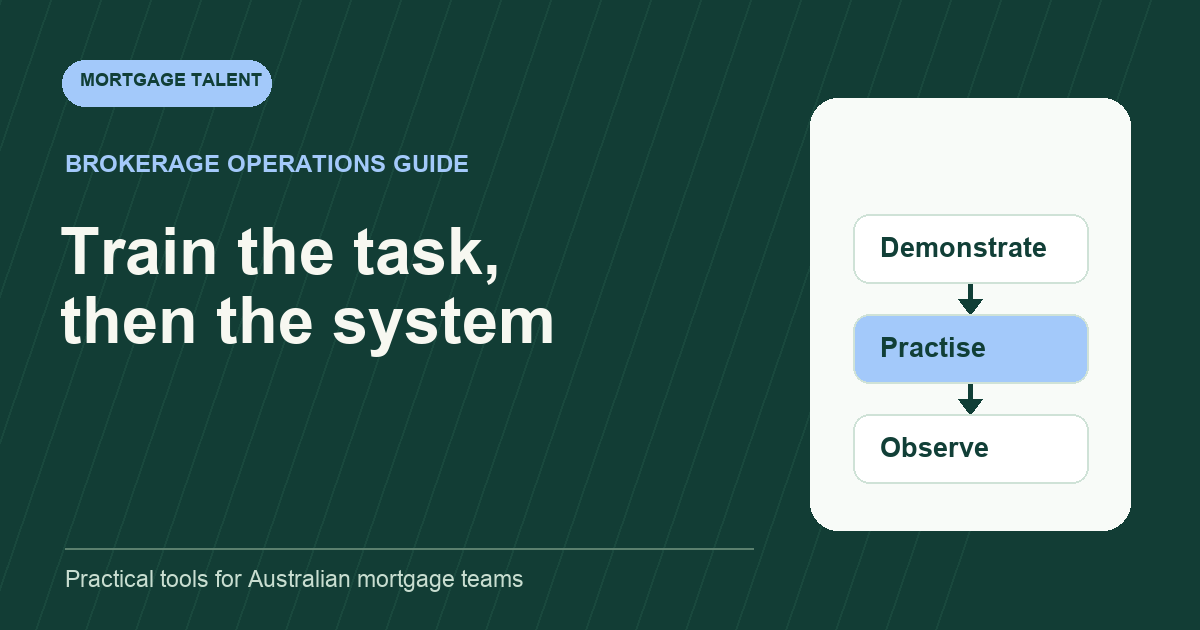
Have the trainer demonstrate one complete task while explaining the evidence behind each action. Show where an approved instruction is found and how its date is checked. Describe a missing-input example as well as a clean example. This prevents the trainee from assuming that every file can be completed by following a perfect demonstration.
Keep a short local quick guide that links to current vendor materials. Record the interface or workflow it applies to and its owner. Avoid maintaining a full duplicate software manual. The worker needs enough context to complete the assigned task and enough direction to ask when the screen or instruction differs.
Run four fictional exercises with visible outputs
Scroll sideways to see all columns →
| Exercise | Worker output | Trainer checks |
|---|---|---|
| Find the file | Correct mock record and instruction reference | Distinguishes similar names and old tasks |
| Prepare factual entries | Fields traced to the supplied fictional documents | No invented value fills a missing field |
| Handle a mismatch | Exception note identifying both sources | Stops rather than choosing the convenient value |
| Return for review | Clear output, open issue and next owner | Preparation is not labelled approved or submitted |
Use wholly fictional people, identifiers and documents. Explain the expected output and allow questions before starting. Keep the task sequence consistent so a later practice attempt can be compared fairly. A training file should not contain a former employer's borrower information.
Ask the worker to narrate the reason for each action. If they can reproduce a click path but cannot explain the source or next reviewer, repeat that part with a different fictional file. Teach the reason as well as the screen.
Test the difficult handoff between screens
Illustrative exercise: the mock CRM summary shows one employment start date and the fictional source document shows another. The trainee finds the mismatch, identifies the affected field and returns a question to the designated reviewer. They do not update both systems to whichever date looks plausible.
A second exercise changes the mock request after preparation has started. Ask the trainee how they identify which output is now superseded, preserve the open question and restart the relevant check. This tests version awareness rather than memorisation of a fixed task.
Record where the trainee hesitated: finding a source, understanding a field, recognising a changed instruction or preparing the handoff. Those are different training needs. Use the skills matrix to record observed task capability instead of one broad “trained in CRM” tick.
Use readiness criteria that a reviewer can observe
- The worker locates the correct record and current instruction.
- Every prepared value can be traced to a supplied source.
- Missing or conflicting information remains visible.
- The saved task state reflects what actually happened.
- The next reviewer can find the output and unresolved questions.
- The worker explains when to stop and ask.
Define which criteria are essential before beginning supervised live work. Keep training attendance separate from task readiness. A fast demonstration with one unchecked field is not a successful result merely because the trainee finished within the allotted time.
Review the first assigned live outputs under your approved supervision arrangement. Use corrections to improve the quick guide and training examples. Do not infer that one successful fictional exercise authorises every action in a lender portal.
Keep systems learning current as the role changes
Repeat affected exercises when the screen, lender workflow or assigned task changes. Ask the worker to show the new path, rather than simply acknowledge an announcement. Record the task, observed result, reviewer and next check in your training record.
Mortgage Talent helps brokerages compare systems familiarity when shaping a role; the brokerage still needs to teach its own workflow. If the training plan reveals a need for deeper processing experience, review the loan processor role and share your systems and file-work brief. Include the tasks the person will prepare, the current tools and the time available for review.
Take the next step
Explore Mortgage Talent or speak with our team about your hiring needs.