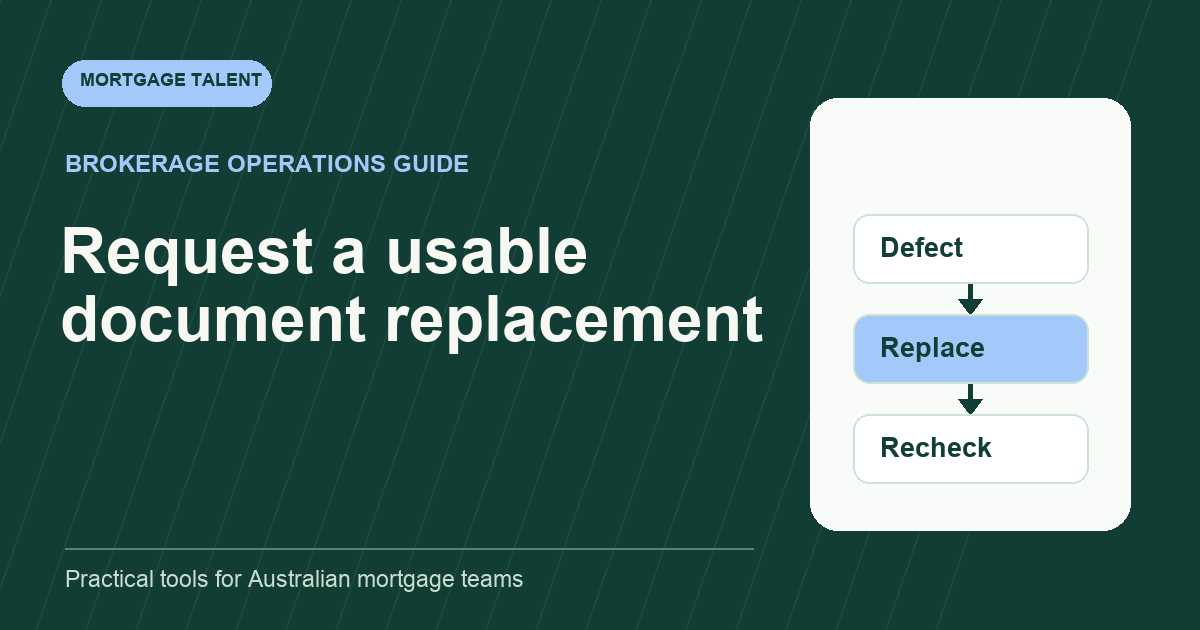
When a mortgage document is unreadable, record the specific defect, prepare an approved replacement request and check the returned item against that defect. Do not guess obscured text, modify financial details or ask for an entire pack again when only one identified item needs attention.
This proposed workflow concerns technical usability. A clear image can still be unsuitable for the application. The broker or designated reviewer decides the required evidence, submission route and any questions about authenticity or acceptance.
Identify what prevents the assigned task
Open the item through the approved system and identify whether the problem is blur, glare, cropping, missing pages, rotation, an inaccessible file or a different document from the one requested. Record what you can observe. “The lower-right date is obscured” is more useful than “bad document”.
Link the defect to the document reference and page. Avoid copying an entire financial image into a broad task board to demonstrate the problem. If the item cannot be opened, record the error or failed step without claiming anything about its contents.
Check whether the requested task requires the obscured part. A rotated page might be readable in the approved viewer, while an unreadable figure prevents factual entry. Ask the reviewer about an uncertain defect rather than rejecting an item on an invented technical standard.
Separate ordinary uploads from specialist capture
For Macquarie's NextGenID process, the official guidance requires capture of the physical ID document rather than a screenshot or photocopy. That specific requirement illustrates why an ordinary scan-replacement instruction should not be reused for every system or identity step.
Use the current instruction for the actual receiving process. If the customer is completing a specialist capture flow, direct a technical question to the approved owner or published help route. Do not ask the customer to send identity material to an additional channel simply because it seems easier for the assistant.
For a normal document upload, follow the brokerage's approved format and route. Do not prescribe a file size, resolution or certification requirement unless the responsible owner has supplied it. A locally readable file does not establish that a receiving portal will accept it.
Copy the defect-to-request worksheet
Scroll sideways to see all columns →
| Field | Example entry | Purpose |
|---|---|---|
| Original item | Mock item D-07, page 2 | Locates the supplied source |
| Observed defect | Right edge cuts off the date | Explains what needs fixing |
| Replacement requested | Complete readable page 2 | Keeps the request precise |
| Approved route | Existing controlled upload task | Avoids another document channel |
| Return check | Date and page edge visible | Tests the original defect |
| Remaining issue | Different period supplied | Prevents premature closure |
Connect the record to the existing request tracker. Use one request reference throughout the replacement loop. Receiving a reply changes the task to recheck; it does not by itself resolve the defect.
Write a request the customer can act on
Thank you for sending [item]. We cannot read [specific part] on [page/reference]. Please provide [approved replacement scope] through [existing approved route]. If that is difficult, contact [owner] so we can confirm the next step.
This illustrative message avoids blaming the customer or claiming that the whole application is defective. The owner can adapt it to the receiving system and approved request. Use an example of what must be visible only when it can be explained without exposing another person's document.
If several pages have the same problem, list them together in the same task. If a request has already been sent, update that task rather than sending a conflicting instruction from a second staff member. Record an agreed alternative where the original route is not practical.
Recheck with a fictional replacement exercise
Illustrative exercise: a mock two-page statement arrives with glare over the date on page 2. The trainee identifies that page and prepares a precise replacement request. The next upload is readable, but it is page 2 from a different period.
The correct outcome is an open exception with a clear explanation. The new upload fixed readability but did not supply the requested item. The trainee does not combine the pages and describe the assembled file as an original statement. They return the mismatch to the reviewer and prepare the approved next request.
A final correct replacement is then supplied. Record the recheck result, link the current item and apply document version control so a colleague can identify the usable source. Preserve the prior item according to the brokerage's procedure instead of silently replacing the history.
If only one part of a replacement remains unclear, name that remaining part in the next request. Preserve the successful recheck rather than restarting every item. This helps the customer and covering colleague understand what changed between attempts and why a further response is still needed.
Close the technical issue and return the review
State exactly what the recheck established: the requested page is readable, complete as supplied and matched to the assigned item. Leave substantive questions for the reviewer. Do not promote “readable” to “approved” in the overall pack status.
Where the issue persists, record whether the request was misunderstood, the route failed or the source itself is unclear. That distinction gives the owner a useful next action. Repeating the same vague message does not explain why the previous return was unsuccessful.
Assess a support worker on precise observations, respectful requests, correct source selection and honest closure. Review assistant duties or describe your document-correction queue when scoping this recurring work.
Take the next step
Explore Mortgage Talent or speak with our team about your hiring needs.