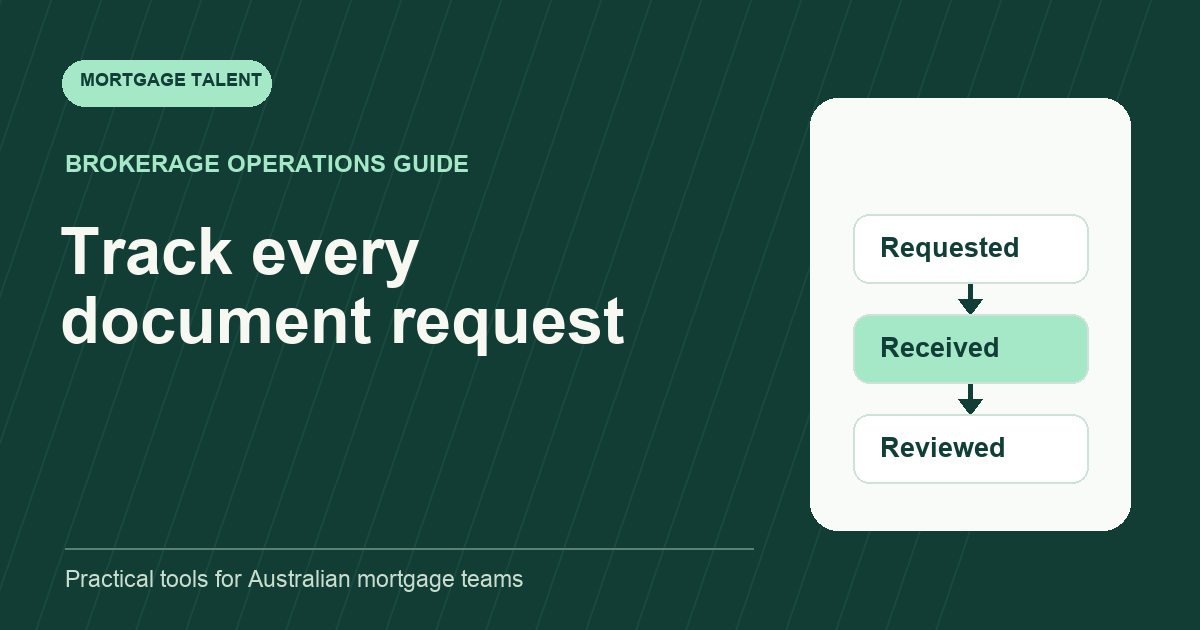
A mortgage document request tracker should show exactly what has been requested, what has arrived, what still needs review and who will act next. The most important distinction is between received and accepted. An uploaded file may be incomplete, unclear or unrelated to the request; its arrival should not automatically close the task.
This guide provides a practical tracker structure for administrative coordination. The broker or designated reviewer determines the actual document requirements for each file. The tracker organises that approved request; it does not prescribe lender requirements or make a credit assessment.
Use one row per requested item
A row called “documents outstanding” is too broad to manage. Create one row for each specific request, with a stable request identifier and a reference to the approved file. State the description and relevant period exactly as instructed by the reviewer. If the request changes, record the change instead of silently rewriting what the customer was originally asked to provide.
Avoid putting customer documents into the tracking sheet itself. Use the approved document location and link or reference it according to your brokerage’s process. The tracker’s purpose is to coordinate actions, not to become an extra document store that someone must separately maintain.
Keep the request owner distinct from the reviewer. The owner coordinates follow-up; the reviewer confirms whether the received item satisfies the requirement. One person may perform both roles where appropriate, but the two actions should still be distinguishable.
Copy the tracker fields
Scroll sideways to see all columns →
| Field | Example entry | Use |
|---|---|---|
| Request reference | F-104 / D-03 | Connects messages to one task |
| Approved request | Document and period specified by reviewer | Preserves the actual instruction |
| Requested on | Date and message reference | Shows what was sent and when |
| Status | Received, awaiting review | Separates arrival from acceptance |
| Owner and reviewer | Support owner / broker reviewer | Clarifies the next handoff |
| Next checkpoint | Agreed follow-up date | Prevents indefinite waiting |
| Review result | Accepted, or specific clarification needed | Records the reason for closure or rework |
Use dates and states that can be sorted. Do not rely on colour alone: a red cell has no clear meaning when exported, printed or read by someone who cannot distinguish the colour. Keep a short definition of each state beside the tracker.
Define transitions that match real work
Start with requested, received awaiting review, clarification required, accepted, and withdrawn by reviewer. A task moves to received when the item is located and associated with the right request. It moves to accepted only when the designated reviewer has recorded that decision. If a requirement is no longer needed, record who withdrew it and why rather than pretending it was supplied.
For a spreadsheet implementation, Microsoft explains how to create an Excel drop-down list with Data Validation. A controlled status list can make filtering more consistent. It does not enforce your review process by itself, so test who can change the status and how the decision is recorded in your actual system.
When a new version arrives, keep the task connected to its earlier request and note which version the reviewer checked. Otherwise two people may review different uploads and both believe they are looking at the current item.
Write follow-ups that reduce the next round of questions
Use the approved request wording and refer to the specific outstanding item. A message saying “please send the missing documents” gives the recipient little help. A useful follow-up identifies the request, states what remains unresolved, points to the agreed return channel and provides a way to ask for clarification.
If the customer says an item was already sent, first check the approved location and message history. Do not automatically issue another request. If the item cannot be found, state what you have checked and ask for the information needed to locate it. Route uncertainty about the requirement itself back to the reviewer.
Group follow-ups thoughtfully. Sending one clear list of open requests can be easier to act on than several fragmented messages, but do not delay a time-sensitive clarification simply to create a tidy batch. Use your agreed communication windows and priorities.
Work through a fictional three-item file
File F-104 has three approved requests. D-01 has been received and accepted. D-02 has arrived but is awaiting review. D-03 is still outstanding. The support owner’s update is therefore “one accepted, one awaiting review, one outstanding”, rather than “two of three complete”.
The reviewer then finds that D-02 does not cover the requested period. The tracker moves it to clarification required and records the precise gap. The support owner sends the reviewer-approved clarification and sets the next checkpoint. D-01 stays accepted, so the customer is not asked for it again.
When the replacement arrives, the owner records its location and routes it for review. The request closes only after acceptance. This example uses fictional identifiers and no real borrower information; it demonstrates state changes, not a prescribed document checklist.
Review the queues that can block progress
At a regular checkpoint, review three separate lists: overdue follow-ups, received items awaiting review, and clarifications without a next action. A tracker focused only on outstanding customer items can hide a growing internal review queue. Name the person who can resolve each type of delay.
Measure unresolved age by state, not just time since the original request. A ten-day-old request that arrived yesterday presents a different next action from a ten-day-old request with no response. Keep the original request date while adding the current-state date so both perspectives remain available.
Make completion part of the file handoff
Before moving the file onward, reconcile the tracker with the actual document location and reviewer decisions. Check withdrawn requests, unresolved clarifications and superseded versions. Use the file handoff template to make any remaining exceptions explicit, and the inbox triage workflow to keep incoming replies attached to the right task.
If this coordination work needs a dedicated owner, discuss a mortgage support role. Bring a redacted version of your field definitions and task volumes so the role is scoped around your actual workflow.
Take the next step
Explore Mortgage Talent or speak with our team about your hiring needs.