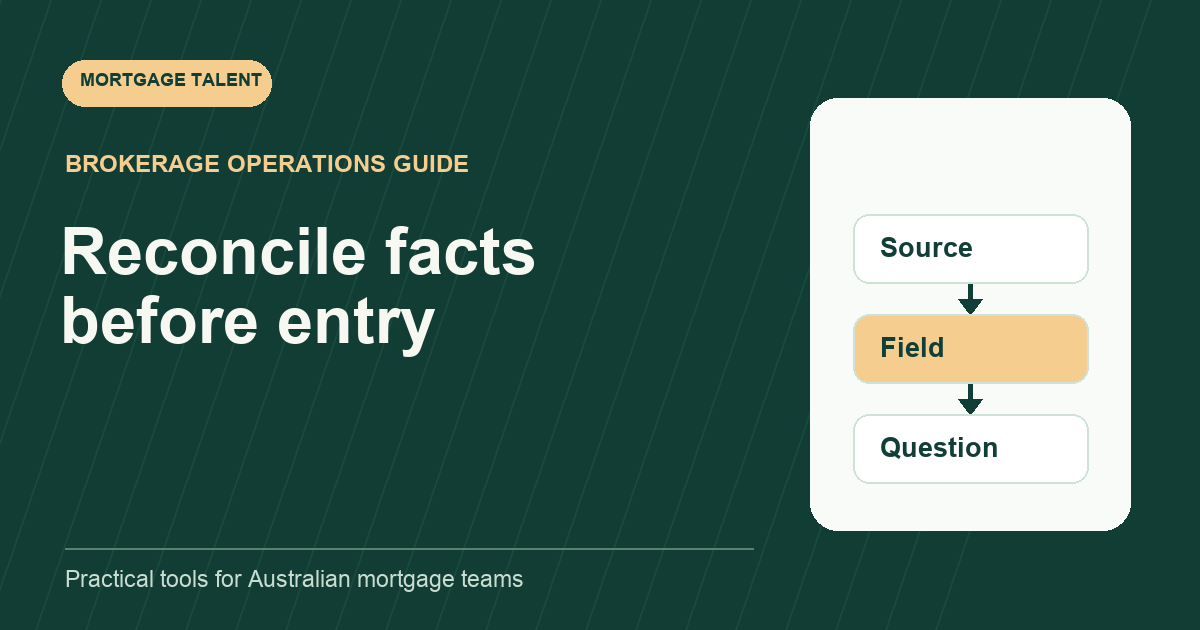
Reconcile mortgage application facts with a three-way comparison: the broker's approved instruction, the supplied source and the prepared destination field. Record differences as questions for the reviewer before changing the application. A field copied accurately from an outdated summary can still disagree with the current instruction.
This is a proposed administrative worksheet for factual preparation. It does not determine the correct lending treatment of a fact or give a support worker authority to revise the broker's decisions. The reviewer specifies which fields to check and how discrepancies are resolved.
Choose the fields and the snapshot
Begin with a narrow assigned scope, such as applicant contact details, property address or dates in a particular section. Record the prepared application version and the instruction version being compared. Otherwise a reviewer can appear to answer a question that no longer relates to the current draft.
Use the broker-to-processor handoff to identify the current instruction and responsible reviewer. Ask for clarification if the handoff references two different summaries. Do not choose the newest-looking file merely because its name includes a later date.
Define how each source is located: document reference, page, field or section. Keep the actual documents in the controlled system. A broad comparison worksheet can use internal references rather than duplicating full personal identifiers or account details.
Copy the three-way comparison worksheet
Scroll sideways to see all columns →
| Field and location | Sources to compare | Result and owner |
|---|---|---|
| Assigned field | Prepared section and field label | Checked or not checked |
| Approved instruction | Version, value and reference | Instruction ambiguity if any |
| Supplied source | Document, page and visible value | Unreadable or conflicting if any |
| Prepared entry | Value in the current snapshot | Matches, differs or unclear |
| Reviewer question | Both conflicting references | Named decision owner |
| Resolution check | Instruction and resulting change | Rechecked by assigned person |
Keep exact copied values where the approved system permits them. When a limited coordination view is needed, record a masked comparison and link to the controlled detail. A tick alone is insufficient if another reviewer cannot understand what was compared.
Separate “matches the instruction” from “matches the source”. Both can be useful observations, but they answer different questions. If the instruction deliberately differs from a source, the reviewer should record the basis and authorised treatment rather than asking support to conceal the difference.
Describe discrepancies without diagnosing the borrower
Write neutral questions: “The mock summary shows unit 4; the supplied mock document shows unit 14; which entry should preparation use?” Include both locations and the affected destination field. Avoid assuming which document is correct or presenting a transcription error as a customer credibility issue.
Classify the operational problem as a missing source, an unreadable value, a difference between sources, an ambiguous instruction or a prepared-entry error. The classification directs the next action. It does not explain the underlying circumstances.
Where an apparent correction affects other fields, list the related dependencies. Changing a mock address may require another prepared section to be rechecked. Ask the reviewer to define that scope instead of editing every similar value throughout the file on your own initiative.
Work through a fictional address and date mismatch
Illustrative exercise: a mock application draft has the same property address as the approved summary, but a supplied fictional document shows a different unit number. A second field has a date entered in a different order from the clearly labelled source. No actual borrower record is used.
The trainee raises the address question with both references. They identify the date-entry issue separately and seek the assigned correction instruction. These are different branches: one needs clarification about conflicting evidence; the other is a visible discrepancy between the source and prepared field.
The reviewer supplies a revised mock instruction and asks for the two named fields to be changed and rechecked. The trainee records the decision, applies the authorised changes and verifies the resulting snapshot. The exercise is complete when the next reviewer can follow the old entry, instruction and final entry.
Control changes and the second check
Record who instructed each change and which preparation version it affected. If another worker updates the file while a question is open, first reconcile that newer snapshot. Do not apply an answer blindly to a different version.
Recheck the corrected field against the approved answer and its source. Include any dependent fields the reviewer assigned. Leave unrelated parts of the application untouched unless they are brought into scope. This keeps a small factual correction from becoming an unreviewed general rewrite.
Use the lodgement checklist once the relevant discrepancies have a recorded outcome and the pack is ready for the broker's review. This comparison supports that review; it does not replace submission approval or prove that a lender has received the application.
Define a useful acceptance standard
- The comparison names the field and preparation snapshot.
- Instruction and source references can be opened.
- Differences are visible rather than guessed away.
- Each change follows a recorded instruction.
- The final check identifies the resulting version.
During onboarding, give a processor a small fictional pack with both deliberate differences and correct fields. Ask which items need a reviewer decision and why. Do not reward unnecessary edits to values that already match the assigned instruction.
Track the questions a reviewer has to return because the source location or destination field is missing. That feedback can improve the worksheet and training. Explore processor hiring or share the factual preparation work your team needs with the systems and review arrangement included.
Take the next step
Explore Mortgage Talent or speak with our team about your hiring needs.