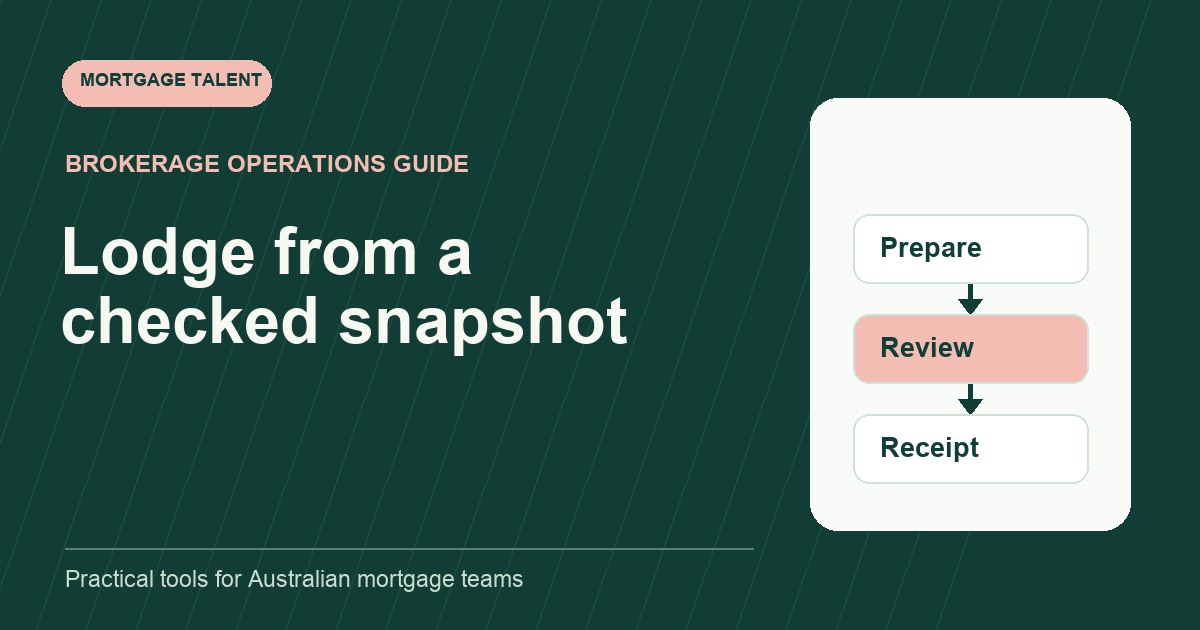
A mortgage lodgement checklist should establish three different facts: the pack is ready for the broker's review, the authorised submission action occurred, and a receipt or reference confirms what the receiving system recorded. Keep those gates separate. A complete folder does not prove an application was lodged, and a button click does not prove receipt.
This guide helps support teams prepare and record the lodgement stage. Your brokerage determines who may perform the actual action and which review process applies. Begin with a broker-approved handoff containing the chosen workflow and current instructions.
Build the checklist from the current lender path
Use the lender and aggregator resources applicable to the exact application. Qudos Bank's broker toolkit, for example, includes an application checklist and separate supporting forms. It illustrates why a generic brokerage list should point to current lender resources rather than replace them.
Record the checklist source, the date checked and the broker's instructions for this file. Do not apply a requirement from another lender or a remembered previous transaction without review. Where the source is ambiguous, make the question visible before the pack is presented as ready.
Identify the correct application, applicants and property in the approved system. Check whether an existing draft or reference already exists before creating another. Include the lender pathway and workflow version in your internal preparation record so the reviewer can see what was checked.
Gate one: prepare a coherent review snapshot
Compare factual entries with the current source documents and broker-approved summary. Identify missing pages, conflicting details, superseded versions and open questions. Return inconsistencies to the named reviewer instead of filling a field with an estimate or silently choosing one document.
Check that attachments belong to the right applicant or entity and match the pack being reviewed. Record the current version or approved storage reference. If a new document arrives after review starts, flag the affected portion and obtain the appropriate review before treating the earlier snapshot as current.
Scroll sideways to see all columns →
| Check | Evidence to present |
|---|---|
| Application identity | Correct approved file and existing draft reference |
| Instruction | Current broker summary and applicable checklist |
| Factual entries | Source reference for prepared information |
| Attachments | Current pack inventory with open gaps visible |
| Exceptions | Question, reviewer and affected entry or document |
| Review snapshot | Version or checked time identifying what was presented |
Mark the pack “prepared for review” when that is the actual state. Avoid using “ready to lodge” if the reviewer has not accepted it. The label should tell the next person what remains to be done.
Gate two: record the authorised review and action
Confirm who reviews the pack, who performs submission and where approval is recorded. Use the broker review queue to make the pending decision visible. A due date should not turn an unanswered review request into assumed approval.
Immediately before the authorised action, check whether the reviewed instruction or source pack changed. If it did, identify the changed portion and ask the reviewer whether another check is needed. Keep the accepted snapshot and the submitted snapshot connected in the record.
Capture the actor and submission time in the approved workflow. The support worker may prepare a checklist and evidence while another person performs the action. Describe those contributions accurately so later reviewers know who did what.
Gate three: confirm receipt and start the next queue
Record the receipt, application reference or observed portal status available from the receiving system. Include a timestamp and the source of the observation. Distinguish confirmation of receipt from an assessment or approval decision. Use the lender's exact verified state when preparing a factual update.
Assign the next follow-up owner and next check. If the system acknowledges receipt but lists another required action, keep that action open. A successful lodgement event should lead into the follow-up queue rather than close every item connected to the file.
Store the receipt with the application record and link it to the pack snapshot. This provides a practical way to answer which version was sent without relying on an email recollection. Follow your organisation's approved records process for preserving that evidence.
Handle an uncertain portal result without guessing
Illustrative example: the authorised submitter sees a timeout after starting the action. There is no receipt in view. The coordinator records the attempted time and application reference, checks the receiving system through the approved route and asks the authorised owner to resolve the uncertainty.
Do not assume failure and submit again merely because the screen did not display success. Do not assume success and tell the customer the file is lodged. Keep the state “receipt unconfirmed” until evidence resolves it, and use the lender or system support route where required.
Once resolved, record what the receiving system shows and reconcile any duplicate draft or task under the responsible person's direction. The fictional example demonstrates a stop-and-check method; it does not describe every portal's retry behaviour.
Review lodgement errors as specific process gaps
- Was the applicable checklist current?
- Did the pack change after review?
- Was the submission actor and approval clear?
- Could the next owner find the receipt?
- Was an uncertain result resolved before another action?
Use an actual reviewed example to improve the failed step rather than adding a long universal checklist. A repeated attachment issue may call for version control; an unanswered approval request may call for reviewer capacity. These are different problems.
If lodgement preparation is the bottleneck you need help with, explore loan processor hiring and share your preparation and review brief. Define the pack inputs, systems, submission boundary and next follow-up queue so the support role has a clear output.
Take the next step
Explore Mortgage Talent or speak with our team about your hiring needs.