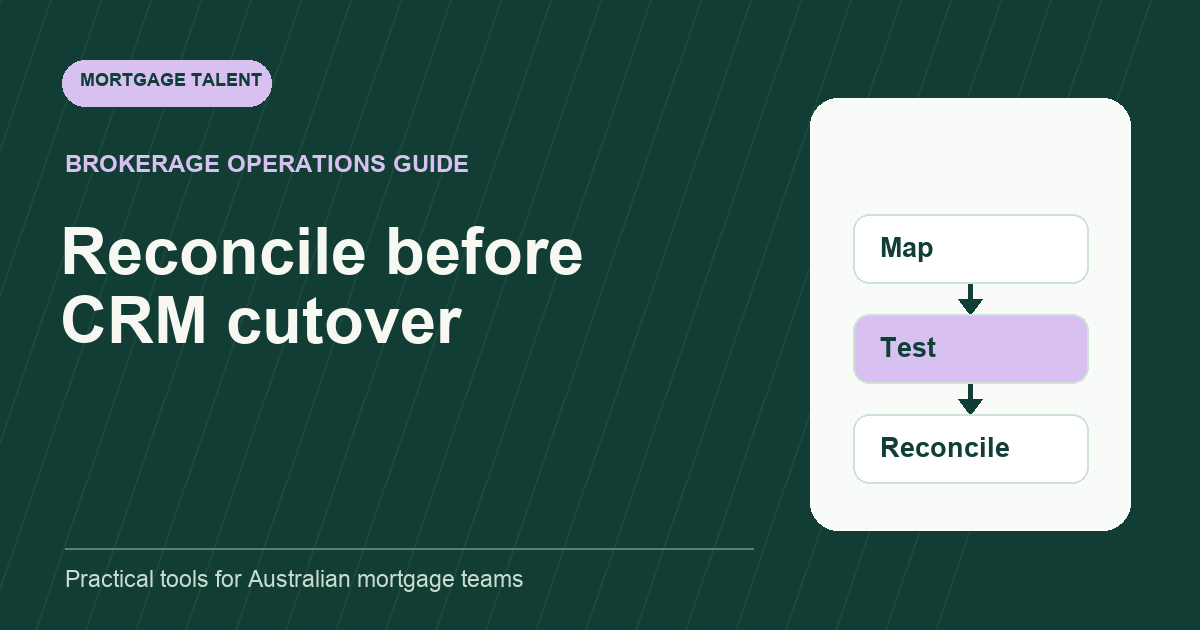
Mortgage support staff can help an approved CRM migration by inventorying fields and open tasks, preparing mappings, checking a test sample and reconciling the cutover. Keep system administration, transfer authorisation and the final acceptance decision with the responsible owners. A successful import count does not prove the brokerage's workflow has transferred correctly.
This plan scopes preparation work for Australian brokerages moving between systems. It does not describe a Mortgage Talent integration or promise that a particular CRM can import every field. If your records first need correction in their current system, use the controlled CRM cleanup plan.
Agree what is moving and what remains elsewhere
List the record types in scope, their current owner and their proposed destination. Separate contacts, active files, historical files, tasks, notes and document references. Ask the system owners which fields and relationships the transfer process actually supports before planning the team's checking work.
BrokerEngine's import documentation states that only a selection of data can be imported and identifies supported fields and limitations. That is one product-specific example of why a mapping must be checked against current vendor instructions.
Record excluded data and how the authorised team will access it after cutover. Avoid interpreting “not imported” as “no longer needed”. Retention, transfer permissions and other legal or security decisions should follow your existing approved processes and advisers.
Build a mapping and acceptance worksheet
Scroll sideways to see all columns →
| Source item | Destination or treatment | Acceptance check |
|---|---|---|
| Record identifier | Preserved identifier or approved cross-reference. | A sample can be traced back unambiguously. |
| Stage label | Explicit destination-stage mapping. | The next action still means the same thing. |
| Task owner | Approved person or team mapping. | Open actions have a responsible owner. |
| Dates | Field-by-field handling and display convention. | Verified dates display as expected. |
| Notes and references | Supported transfer or retained approved location. | Reviewer can find required context. |
| Unsupported item | Named alternative approved by the owner. | No unexplained gap in the operating handoff. |
This worksheet is a proposal, not a vendor specification. Give each mapping an owner and version. Record unresolved differences before they become assumptions in the transfer instructions.
Test meaning as well as row counts
Use fictional records first to test the method without exposing borrower information. Include an open file, a closed file, several stage labels and tasks with different owners. Then let the authorised owners decide what controlled testing is appropriate for real data through the approved process.
Check field values, relationships and the next visible action. A contact can import correctly while its file relationship or task owner is missing. A stage can have a similar name but trigger a different workflow. Document those differences and return them to the system owner for a mapping decision.
Define acceptance before testing: what must match, which exceptions are tolerable and who can approve them? A count mismatch should be explained; an equal count still needs semantic checks. Keep a record of the tested sample and its limits instead of claiming it proves the entire migration.
Walk through a fictional task-owner mismatch
Imagine ten fictional records import into a test environment. The counts match, but two open follow-up tasks have no owner because a source team label has no destination equivalent. One stage label has been mapped to a closed stage even though the next action is still open.
The support worker records the affected identifiers and expected meaning. The system owner corrects the mapping and repeats the test. The manager checks the open actions in the revised sample. Cutover remains unaccepted until the agreed checks pass or a responsible owner approves a documented alternative.
The lesson is operational: “all rows imported” and “work is ready to continue” are different assertions. Reconciliation gives the brokerage evidence for the second one. It does not remove the need for approved system and data-handling controls.
Plan cutover ownership and changed records
Agree the point at which the source snapshot is taken and how work changing after that point will be handled. The system owners determine the transfer mechanism. The support team can maintain a change register identifying affected records, open actions and the person responsible for reconciliation.
Name the authoritative place for new updates during the cutover. Avoid having two teams enter changes in different systems without a reconciliation method. Confirm how customer follow-ups continue and who handles an urgent task if the new workflow is unavailable.
Use the controlled support transition plan for handover and fallback thinking. A CRM migration has different technical dependencies, but the need for an accepted owner of open work remains useful.
How should the team treat a post-cutover mismatch?
Record the source reference, destination record, observed difference and affected next action. Assign the issue to the responsible system owner and identify who will maintain the live workflow while it is investigated. Avoid repeated manual corrections in both systems without an agreed source of truth. Close the issue only after the authorised fix and the relevant reconciliation check, with the result available to the worker who raised it.
Turn the accepted workflow into usable instructions
After acceptance, update the support knowledge base with the current record location, stage meanings and handoff steps. Tell workers how to report a mismatch and who owns its resolution. Keep the reconciliation record available to the authorised team.
If the project needs extra preparation capacity, scope a temporary support role with defined outputs and review points. Explore workforce solutions, compare relevant experience in the talent marketplace and discuss migration preparation support. Describe the project tasks without assuming a new hire can independently approve transfers or system changes.
Take the next step
Explore Mortgage Talent or speak with our team about your hiring needs.