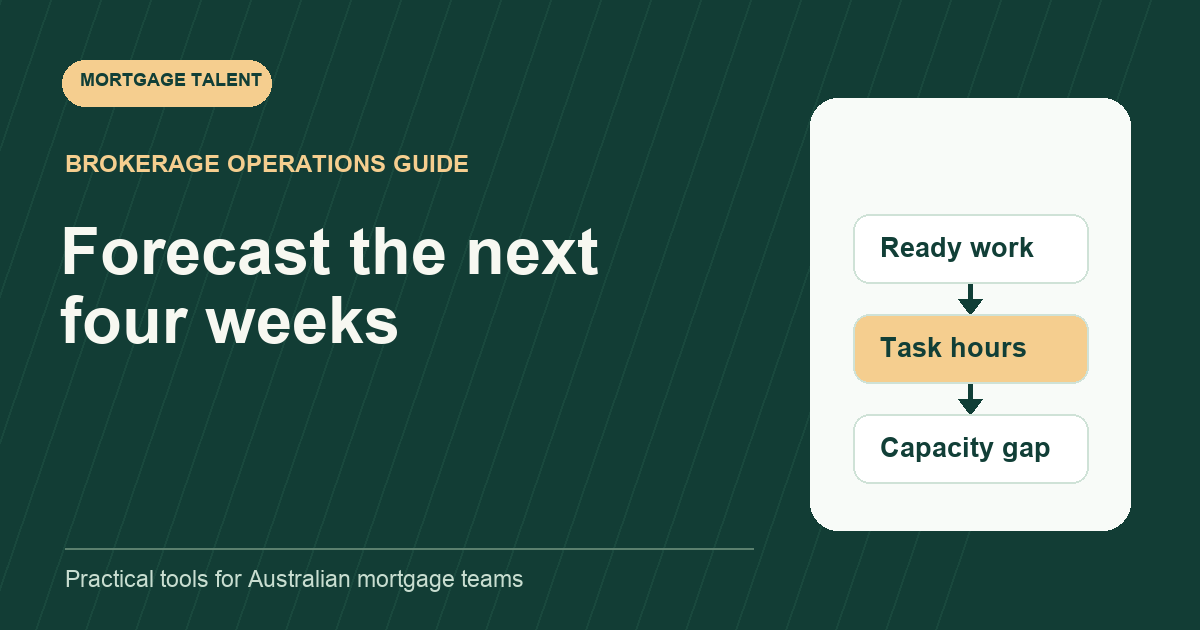
Forecast mortgage support capacity by estimating the work likely to become actionable in each coming week, then comparing it with the hours available to do and review that work. Pipeline value and file count alone are poor substitutes for this task-level view. A large loan is not necessarily a large administration task, and a waiting file may generate no work until a specific event occurs.
This is a four-week operating forecast for brokerage managers, not a prediction of approvals, settlements or revenue. The figures below are constructed examples. Replace them with your own measured task times, available hours and known commitments.
Choose a unit that the team can explain
Use hours of support effort as the common unit, with broker-review hours shown separately. Divide the pipeline into meaningful stages such as documents outstanding, preparation ready, with reviewer, and follow-up due. For each stage, identify the next support action and the event that makes it ready.
A document request might need a short follow-up next week; a complete pack might need a longer preparation block immediately. Estimate remaining work from the current position, not the original effort for the entire file. Otherwise partially completed files will inflate the forecast every time you refresh it.
Keep the operational stage definitions stable. If one person calls a file “ready” while another is still waiting for instructions, the forecast will appear precise while combining different kinds of work. The broker-to-processor handoff template can define the minimum input for a preparation-ready queue.
Build the smallest useful forecast table
Scroll sideways to see all columns →
| Field | What to record | Why it matters |
|---|---|---|
| Queue or task group | Preparation, follow-up or record closure | Keeps different effort types visible |
| Ready week | Week starting date | Places effort in the right period |
| Expected task count | Confirmed work plus a separate estimate | Distinguishes commitments from uncertainty |
| Minutes per task | Observed range and chosen planning value | Shows the effort assumption |
| Support hours | Count multiplied by minutes, divided by 60 | Enables capacity comparison |
| Review hours | Separate broker or manager allowance | Exposes downstream constraints |
| Confidence and trigger | What must happen before work starts | Prevents uncertain work becoming a promise |
Use anonymous task identifiers in a planning worksheet and keep the underlying file in its approved system. The forecast needs operational context, not copied customer documents. Assign one owner to refresh the forecast and one person to challenge its assumptions.
Separate committed work from possible arrivals
Create a committed scenario from tasks with complete inputs and known dates. Add a planning scenario with expected arrivals, clearly labelled as estimates. Finally, create a pressure scenario that brings plausible arrivals forward or uses a higher task-time assumption. Do not average these into one reassuring number that hides the busy case.
For future weeks, list the event behind each estimate: an agreed document-return date, a booked review session, or an expected follow-up checkpoint. If that event moves, move the work. Avoid treating every open file as equally likely to need the same action next Monday.
Use historical observations only where you have enough comparable work to make them useful. A handful of unusual files does not establish a stable conversion rate. When evidence is weak, show a range and name the assumption rather than inventing a probability.
Work through the weekly arithmetic
In a fictional week, eight preparation tasks at ninety minutes each require twelve hours. Twelve follow-ups at fifteen minutes require three hours. Six record updates at twenty minutes require two hours. The committed task forecast is therefore seventeen support hours. Add broker-review effort in a separate row; it does not disappear because support capacity is available.
Suppose the support roster has twenty-four scheduled hours, with three hours of known coordination and training and two hours reserved for interruptions. Planned task capacity is nineteen hours, leaving two hours above the committed forecast. If four extra preparation tasks become ready, they add six hours and create a four-hour gap.
The useful decision is now concrete: move an agreed lower-priority task, arrange suitable extra capacity, or revise an internal completion expectation. “We have twelve files” would not have revealed that particular gap or its cause.
Use the actual working calendar
Build capacity from the roster and confirmed availability for each week. Check planned leave, training, meetings and the calendars used by the people involved. A five-day column heading does not establish five days of available work.
If you use Excel, Microsoft documents NETWORKDAYS.INTL for counting whole workdays while excluding specified weekend patterns and supplied holiday dates. The function does not know your brokerage’s staffing plan. Enter the relevant calendar deliberately, then apply each person’s actual available hours rather than multiplying every day by an assumed standard shift.
Review forecast error without punishing uncertainty
At the end of the week, compare planned and actual hours by task group. Separate more arrivals, longer tasks, unplanned rework and reduced availability. A forecast can miss for several reasons; each suggests a different correction. Keep the original forecast so that changing it on Friday does not erase what you expected on Monday.
Review the largest differences first. If preparation repeatedly takes longer, inspect the input definition and timing sample. If arrivals shift between weeks, improve the readiness triggers. If the reviewer queue grows while support staff wait, the constraint may sit in review rather than processing.
Use the forecast to make one dated decision
- Refresh the next four weeks at a consistent weekly checkpoint.
- Confirm the first week’s ready work with task owners.
- Mark any week where demand exceeds planned task capacity.
- Record the action, owner and decision date for each gap.
- Carry unresolved assumptions into the next review.
Use the weekly operations agenda to make those decisions, and the coverage comparison if gaps persist. When the forecast supports a role brief, discuss your capacity requirements with Mortgage Talent. Bring the task forecast, not only the number of loans in the pipeline.
Take the next step
Explore Mortgage Talent or speak with our team about your hiring needs.