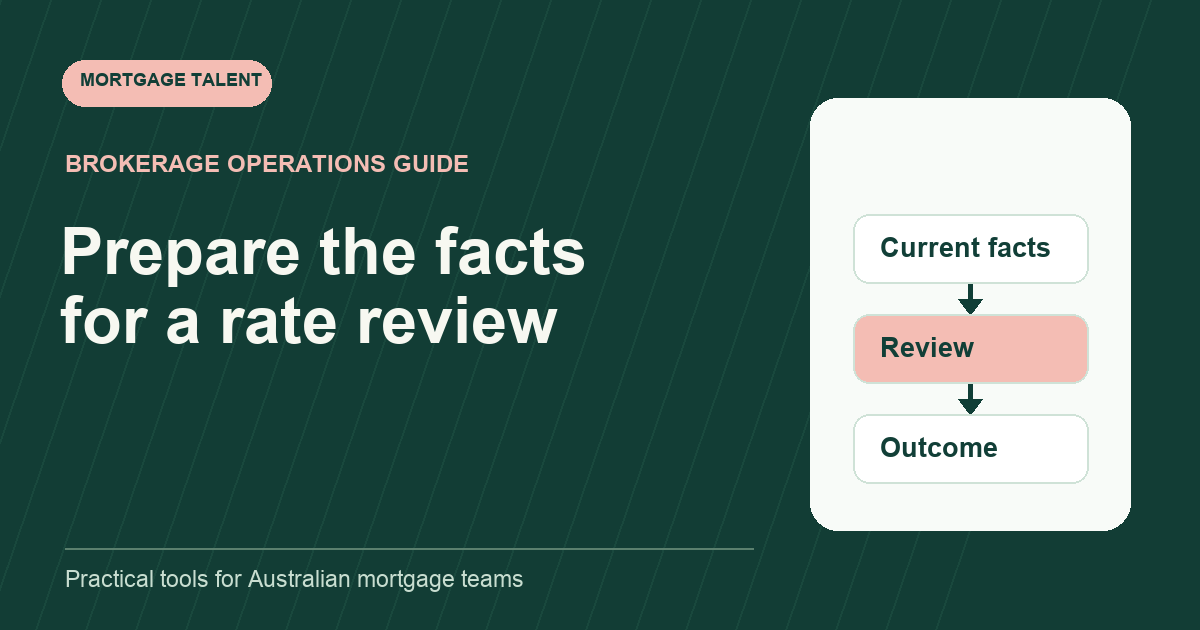
Prepare an existing-loan rate review with a dated factual summary, source links, the customer's stated request and questions for the broker. Keep the preparation pack separate from the broker's assessment and any lender response. An assistant should not promise a lower rate or turn an advertised offer into the customer's confirmed terms.
This proposed method organises information for review. It does not recommend refinancing, repricing or a particular loan. The broker sets the scope, confirms the permitted contact arrangement and decides the next action with the customer.
Start with the review reason and permission to work
Record the trigger: a customer request, an agreed review appointment or another broker-directed task. Capture the customer's words briefly and attribute them. A general reminder in the CRM should not become an instruction to request changes to a loan.
Use the post-settlement client-care workflow to identify the current owner and approved contact route. Ask the broker which records the assistant should collect and which account labels are in scope. Keep customer credentials and banking access outside the support task.
Macquarie says customers can request a variable-rate review through its online or mobile banking and that a rate reduction is not guaranteed. Confirm the current route for the actual lender and loan. Do not treat that customer route as authorisation for staff to sign in as the customer.
Copy the dated current-loan summary
Scroll sideways to see all columns →
| Pack item | Source to link | Question to preserve |
|---|---|---|
| Account reference | Approved internal account label | Which accounts are included? |
| Current terms as supplied | Dated statement or approved source | Is the source current enough for this task? |
| Customer request | Attributed message or review note | What does the customer want the broker to consider? |
| Reported change | Customer's account and date | What needs broker clarification? |
| Broker instruction | Recorded scope and authorised action | Who may make the request? |
| Lender outcome | Actual response and applicable account | What still needs confirmation? |
Copy only the fields the reviewer assigns. Identify the date of each source and leave an unclear figure flagged. A statement date and a date when the worker checked it are different facts; record both where useful.
If the customer provides several account records, keep separate rows. Do not combine balances, rates or repayment details into a single summary unless the reviewer explicitly requests that calculation and defines its basis.
Separate the source, customer report and question
A customer may describe a recent rate change that is not shown in the supplied statement. Record that report separately, with the date and source of the message. Ask the broker which newer evidence is needed instead of changing the statement-derived field.
Similarly, a public lender page may show an offer that differs from the customer's current record. If the broker asks for that page to be included, date and label it as public information for review. Do not represent it as an offer made to this customer or calculate promised savings from it.
Keep questions concise and decision-ready. “The customer reports a change after this statement; should we request the newer source before your review?” tells the broker what is uncertain and which preparation step might be needed.
Work through a fictional two-account example
Illustrative exercise: the broker asks an assistant to organise two mock loan-account records for a review meeting. One supplied statement is recent; the other is older. The fictional customer says the older account's terms have changed but supplies no replacement record.
The trainee prepares two dated rows and marks the second as needing a current-source decision. They do not copy the first account's terms onto the second or infer that the same rate applies to both. The customer report remains attributed beside the unresolved question.
The broker later directs a request for a newer mock record and specifies the contact owner. The assistant links the returned source, updates the factual pack and preserves the earlier snapshot. No outcome is claimed until the broker's review and any actual lender response are recorded.
Track the request through its actual response
Use the lender follow-up log after an authorised request is made. Record the reference, account in scope, question, source of the response and next owner. A generic acknowledgement is not an approved change to loan terms.
Where a response states a new term or effective date, return it to the broker for the assigned review. Record what was offered, what the customer decided and what was subsequently confirmed as distinct events. Avoid merging them into a single completed tick.
If no change is offered, keep the factual response and broker's next instruction. The support worker does not need to interpret the commercial outcome or suggest a different lender to close the administrative task.
Give the review pack a clear prepared-as-at label. If a new source arrives after the meeting materials were prepared, tell the broker which account row changed. Preserve the earlier snapshot so the reviewer can distinguish new information from a correction to the assistant’s original transcription.
Use the pack to scope recurring support
- Sources and current facts have dates and account labels.
- Customer reports remain attributed.
- Unresolved information is visible before the review.
- The request follows a recorded broker instruction.
- The actual response and resulting action can be traced.
Assess these behaviours with fictional records in onboarding. Ask the worker to identify stale information and write the question that should reach the reviewer. Explore assistant support or share your existing-loan review preparation queue with the systems and broker review points included.
Take the next step
Explore Mortgage Talent or speak with our team about your hiring needs.